A real test from the studio
From one photo to two separate images
A handwritten signature crosses a company stamp on lined paper.
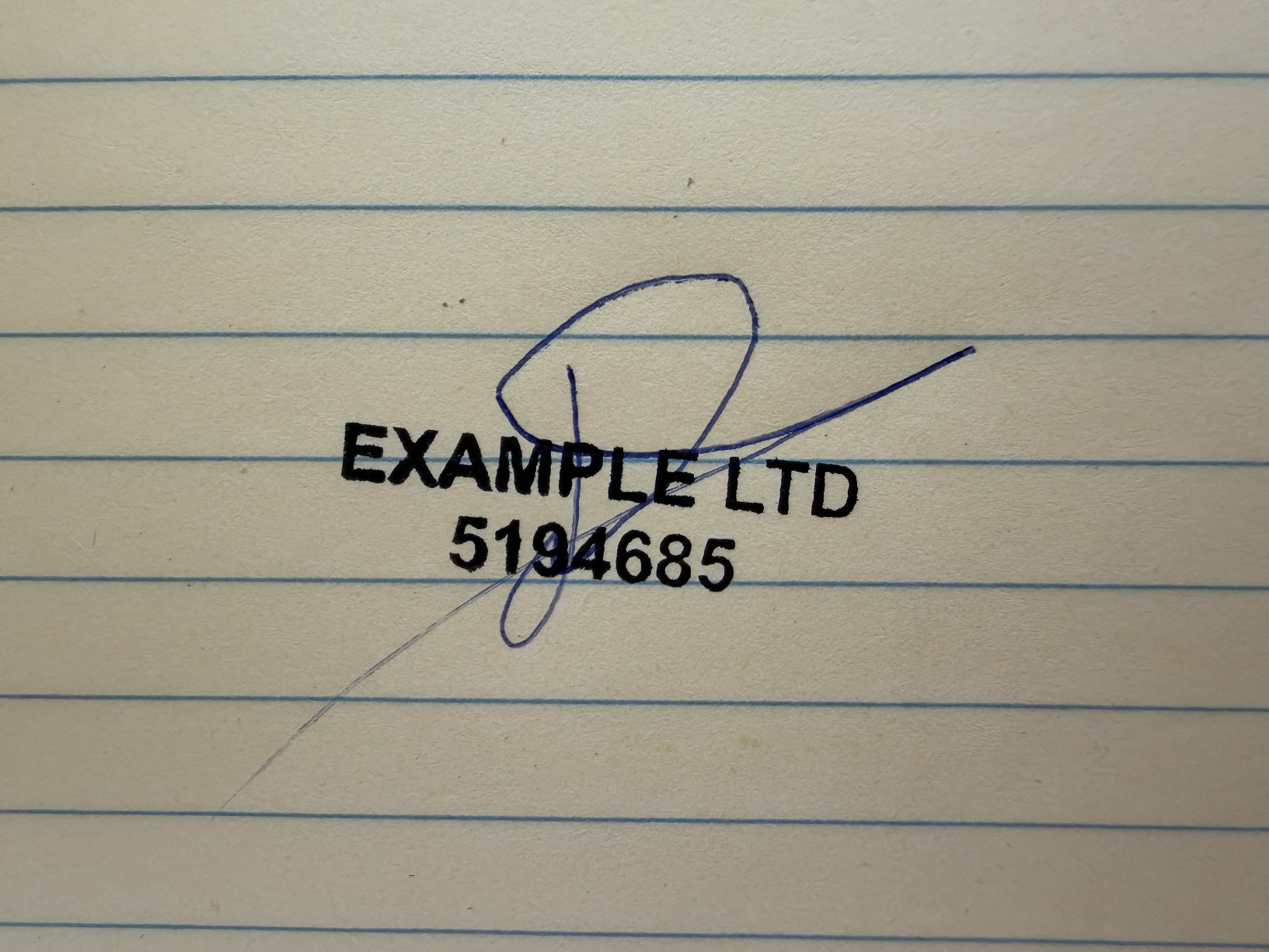
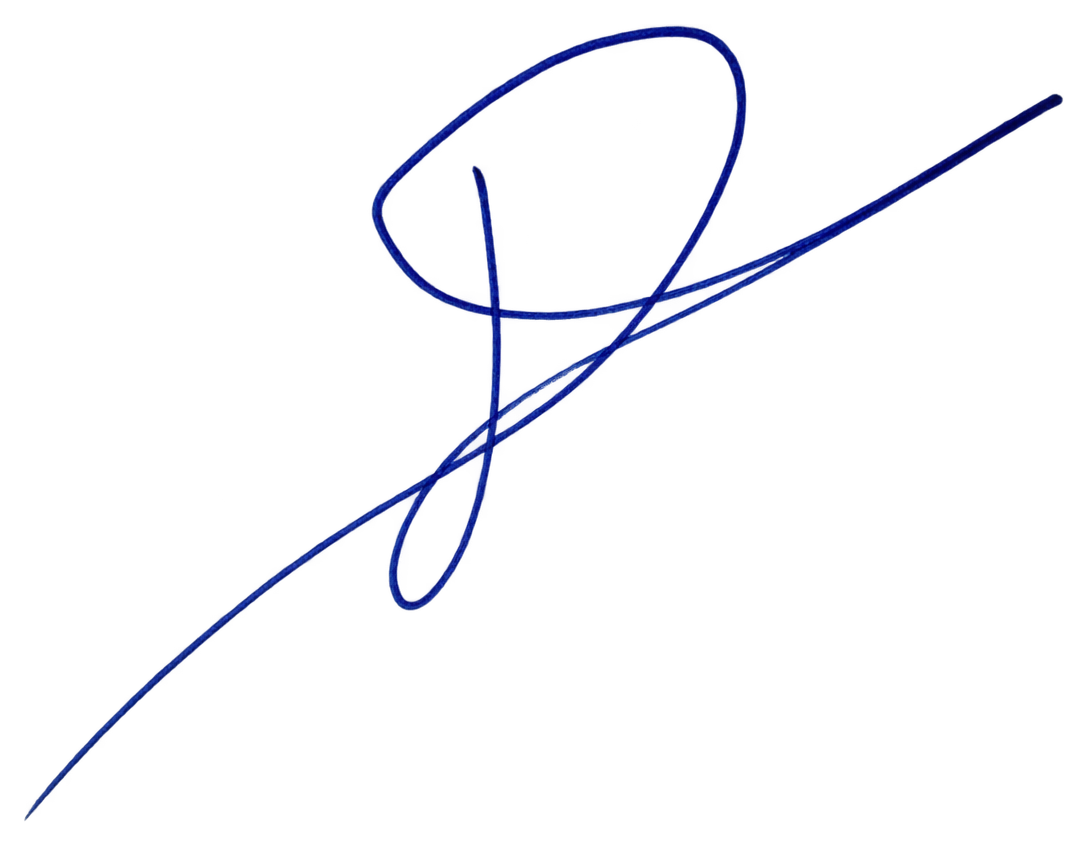
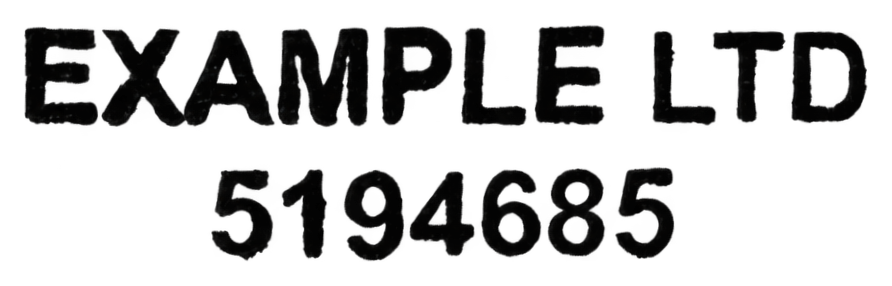
Separate your signature from its stamp. Create subtle variations of the same signature, guided by its shapes, connections, and style.
Unlock your signature and stamp for US$7.99; add 3 variations for US$5.00.
A signature on its own, or signed over a stamp.
Sign in to uploadJPEG, PNG, WebP, HEIC or PDF · up to 20 MB
Sign in with ChatGPT to keep your uploads and purchases together.
One upload. Separate results.
A real test from the studio
A handwritten signature crosses a company stamp on lined paper.
Actual completed results from the same upload, shown upright, with the stamp’s text rows leveled. Reconstructed strokes are estimates; compare lettering and handwriting with your original. Images are fitted to each panel for visibility.
How signature and stamp separation worksThe same signature, with natural differences
One signature, three natural variations. Compare the loops, spacing, and long finishing stroke.
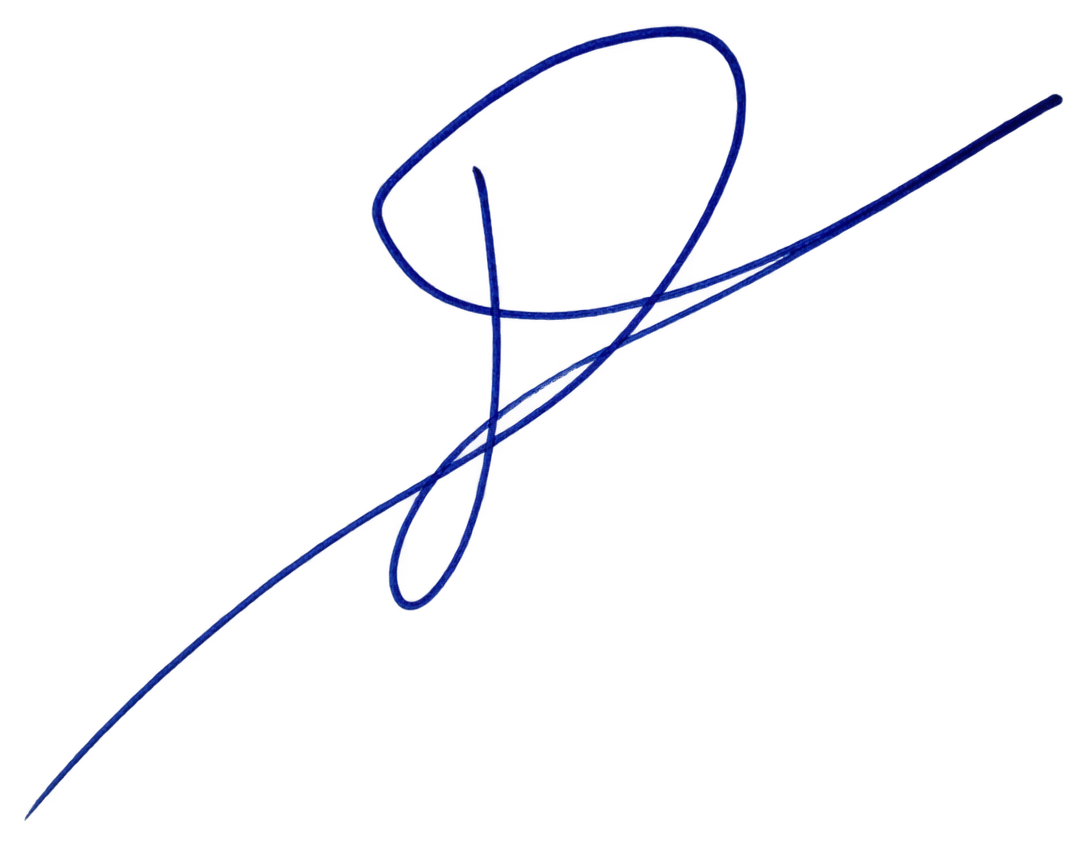
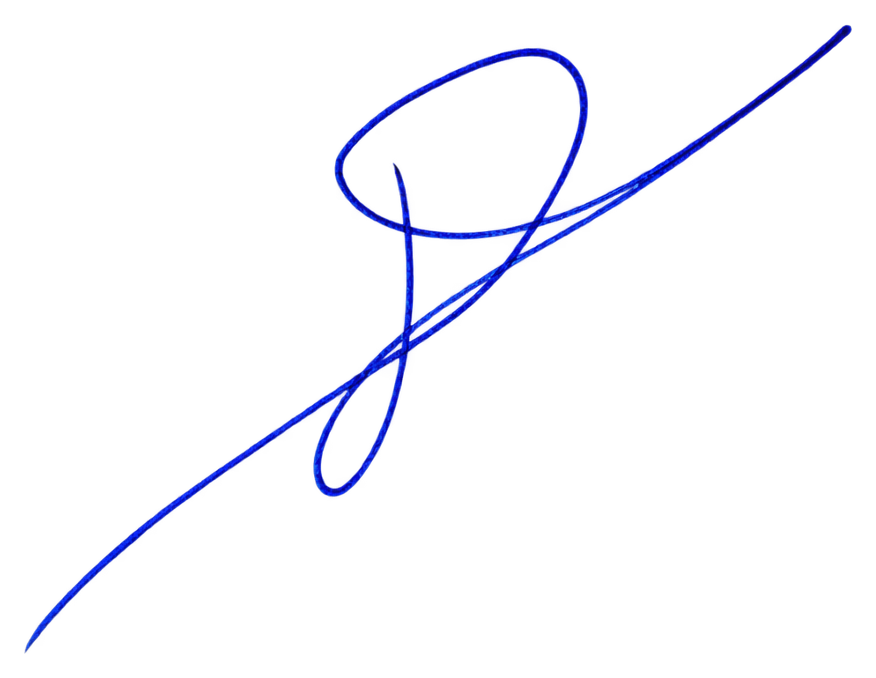
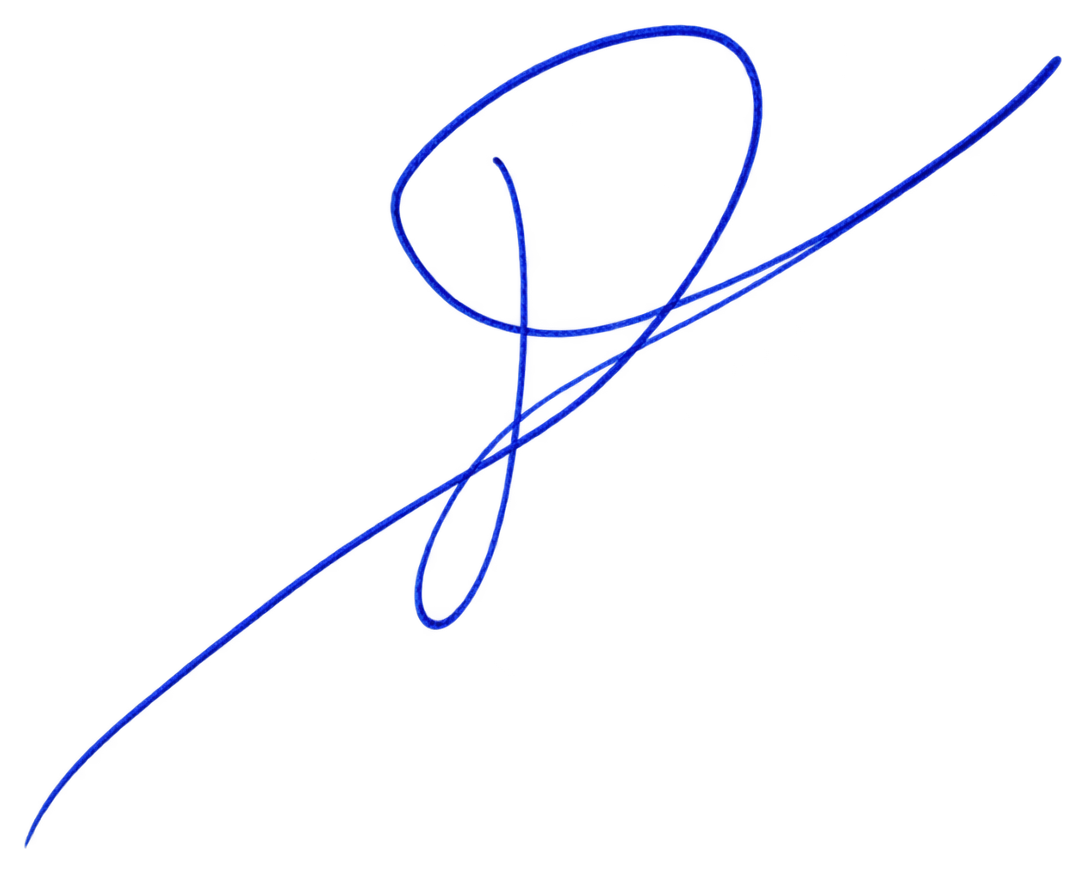
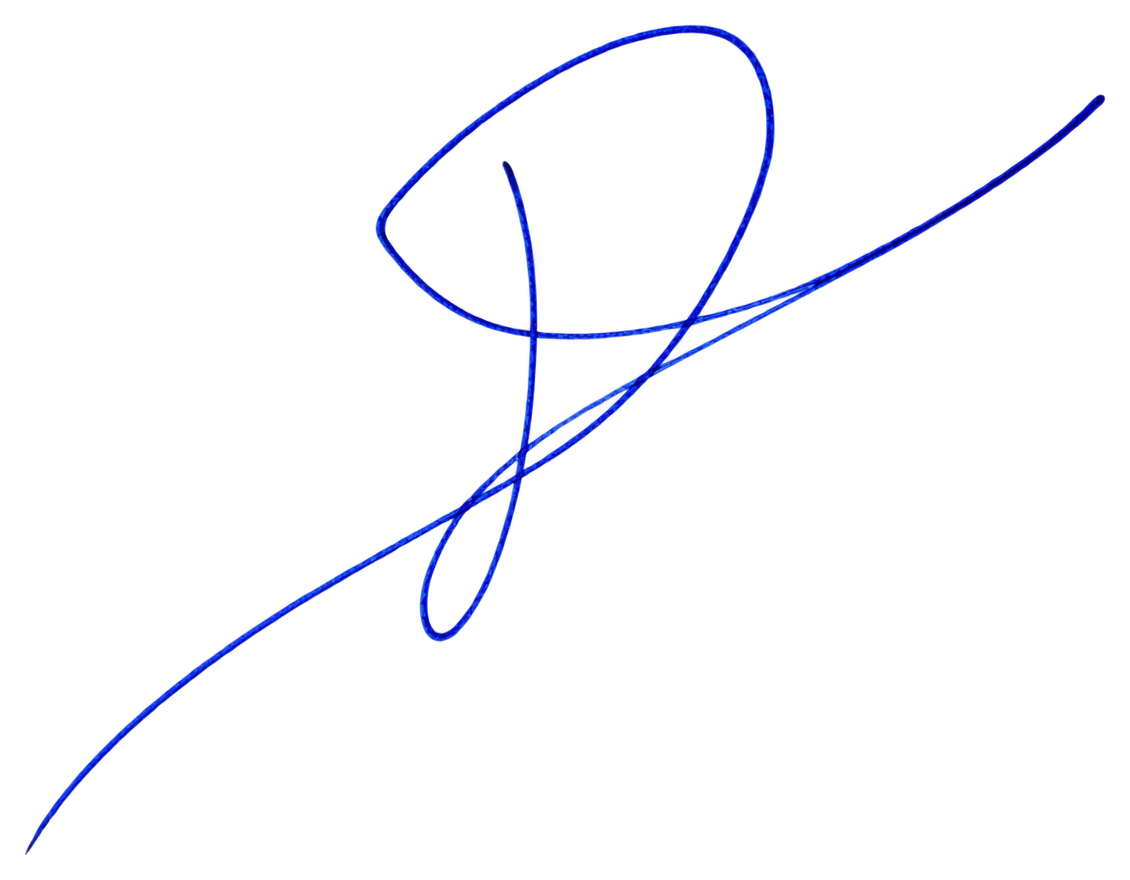
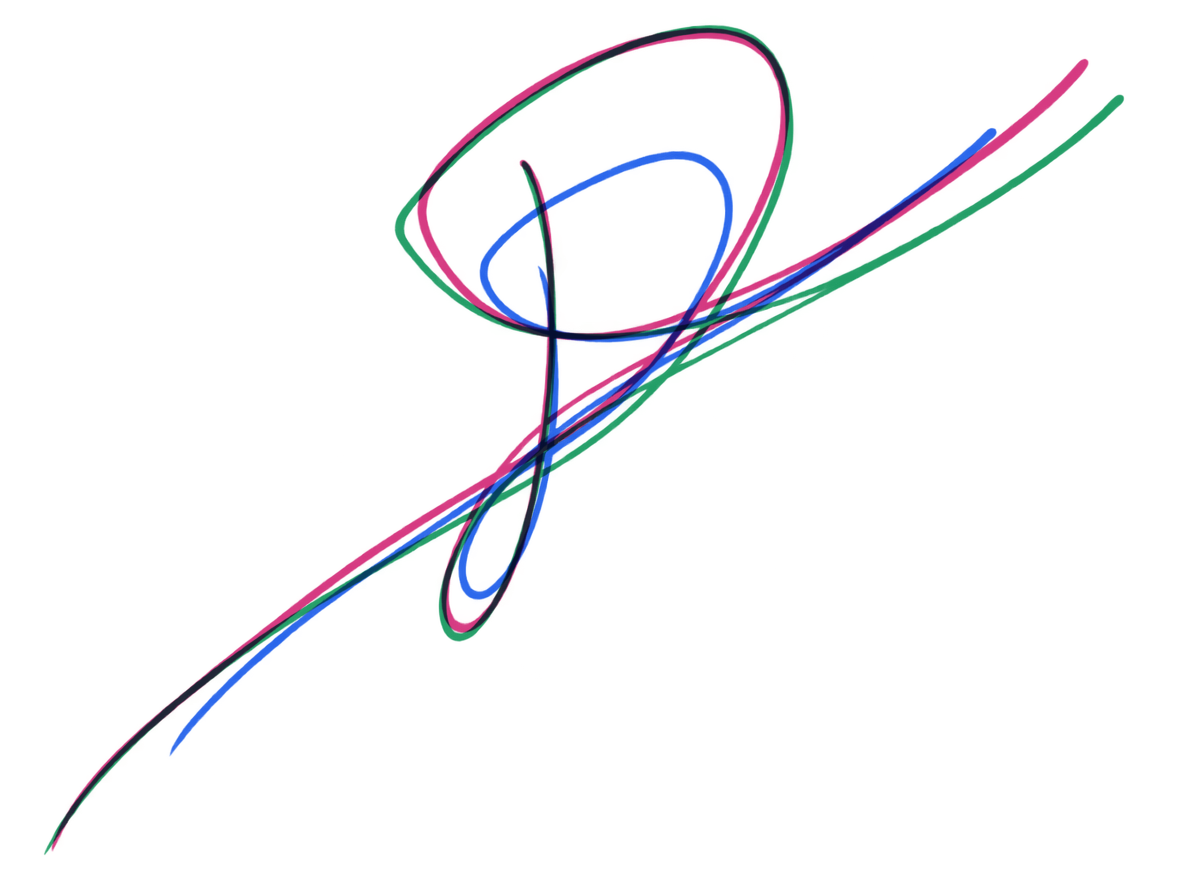
These are the three completed variations from the same test, generated from the separated signature. They are actual final outputs, with color added only in the overlay to make differences visible. In your results, the overlay shows only the latest three variations.
Same stamp, different impressions
Compare the ink coverage, pressure, and small edge differences across three impressions of the same stamp.
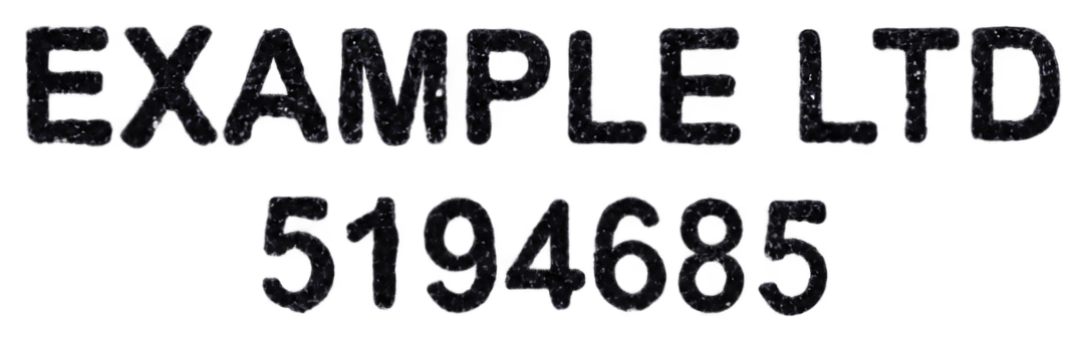
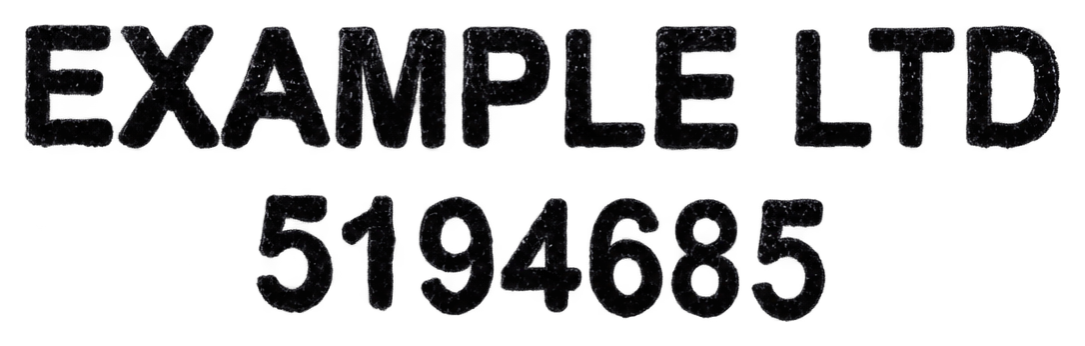
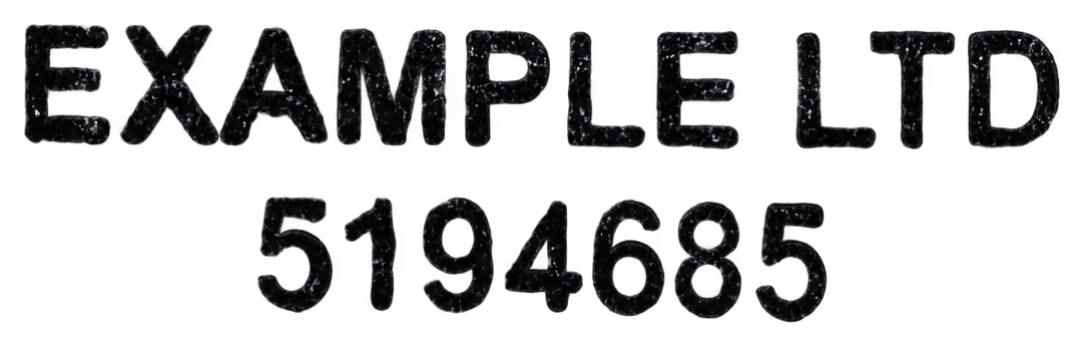
Actual completed outputs from the latest selected test. These are simulated impressions, displayed horizontally with proportions preserved. Three stamp variations cost US$5.
Choose your pen ink
Choose a pen color while retaining the image’s stroke shapes, soft edges, and ink shading. Each signature, variation, and stamp has its own color control.
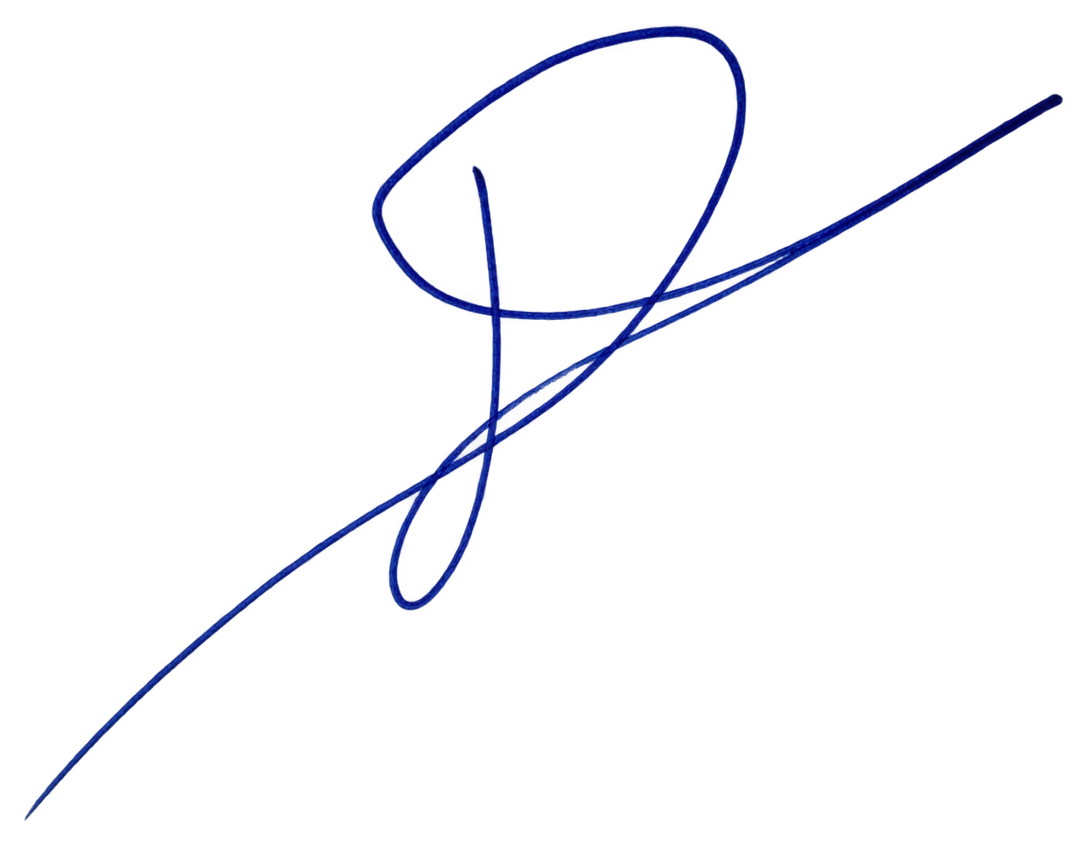
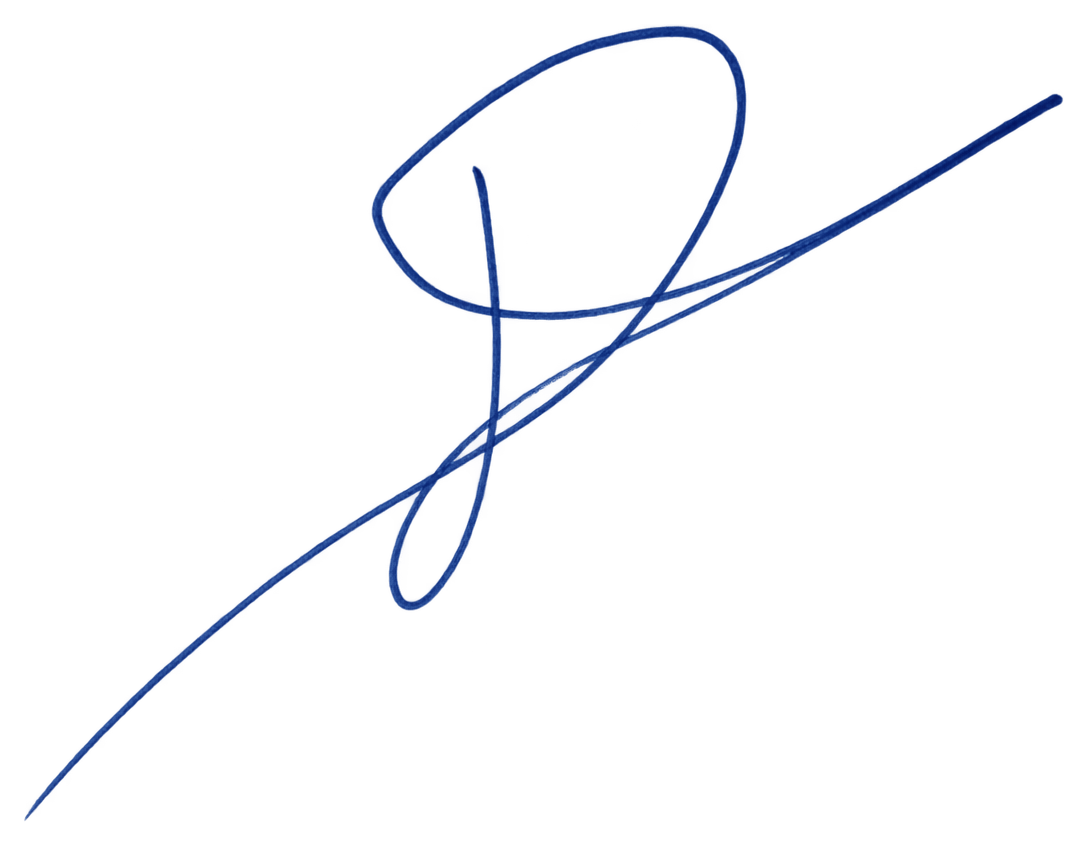
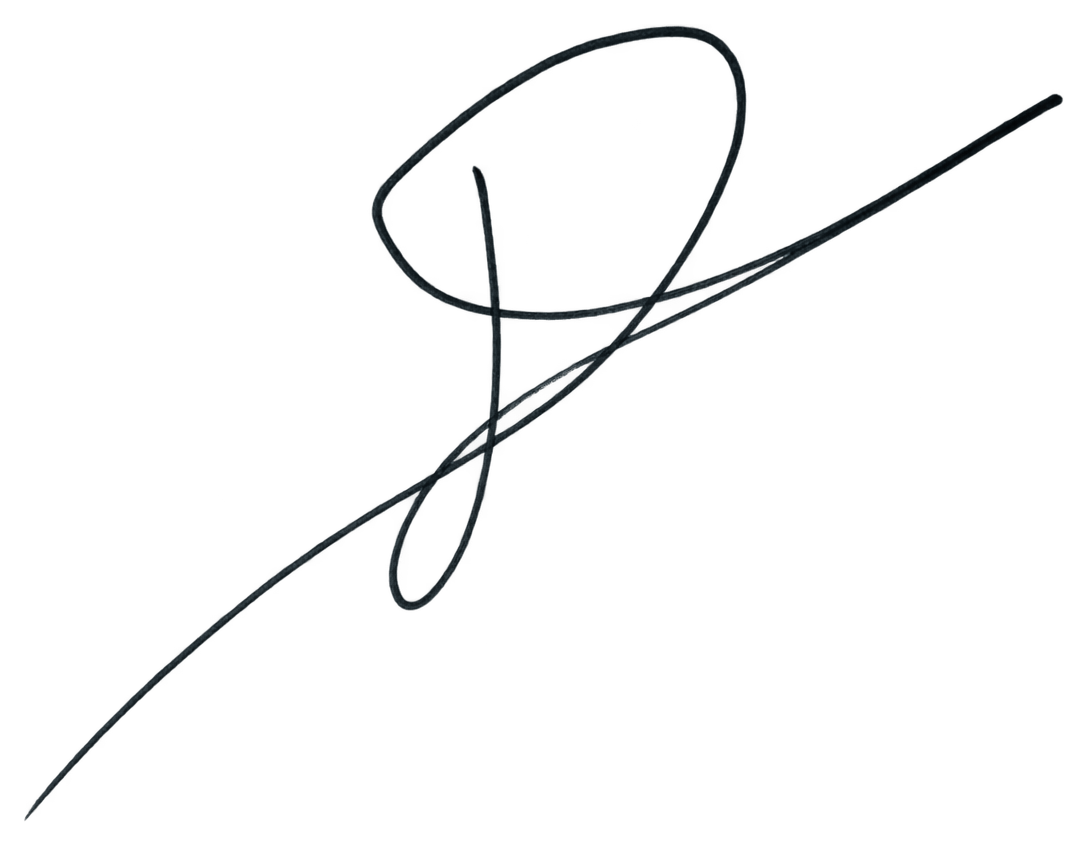
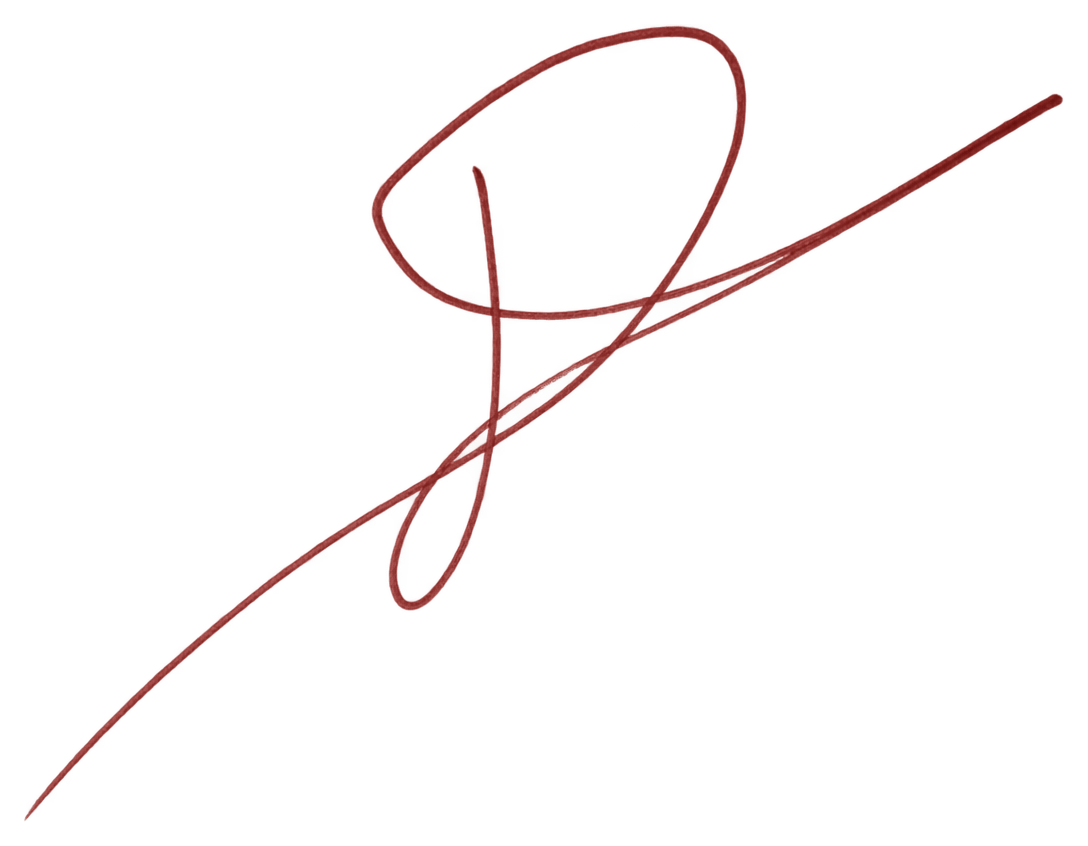
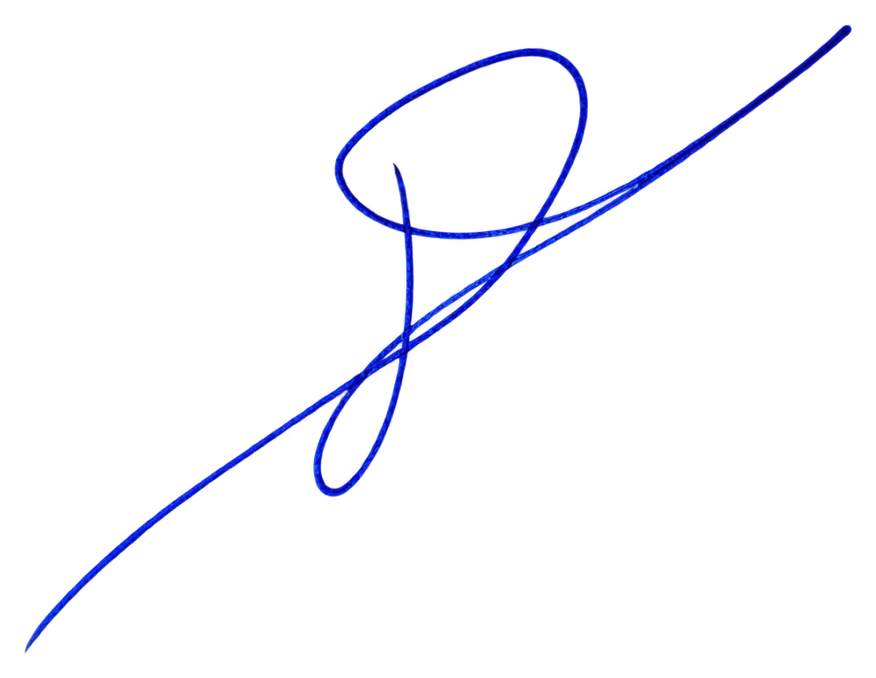
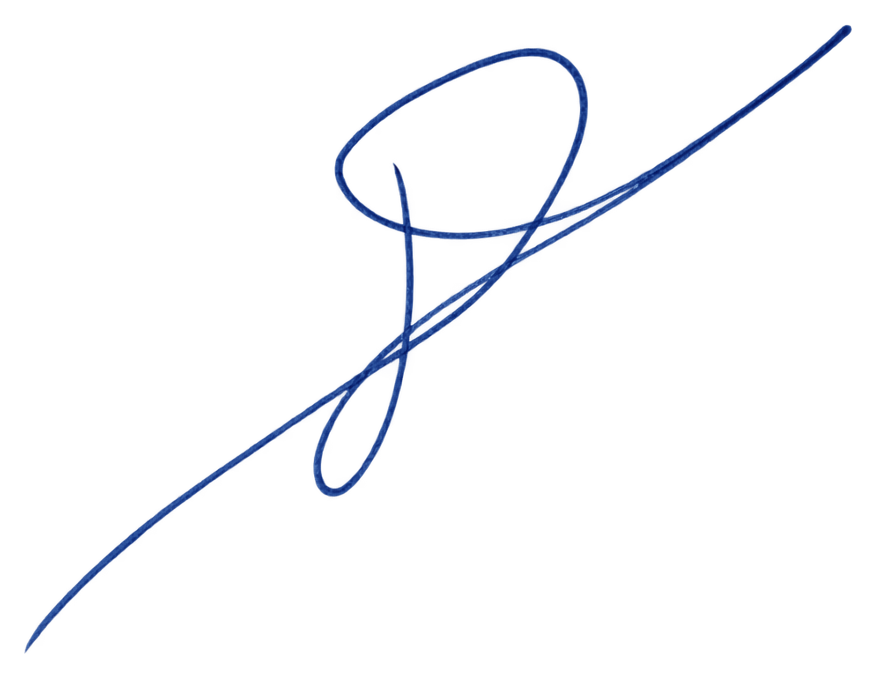
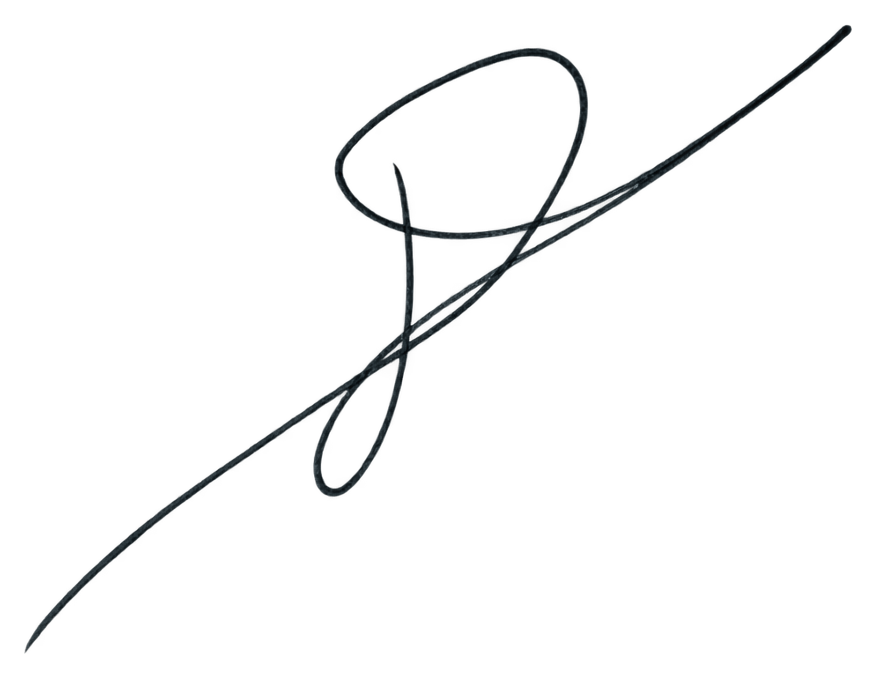
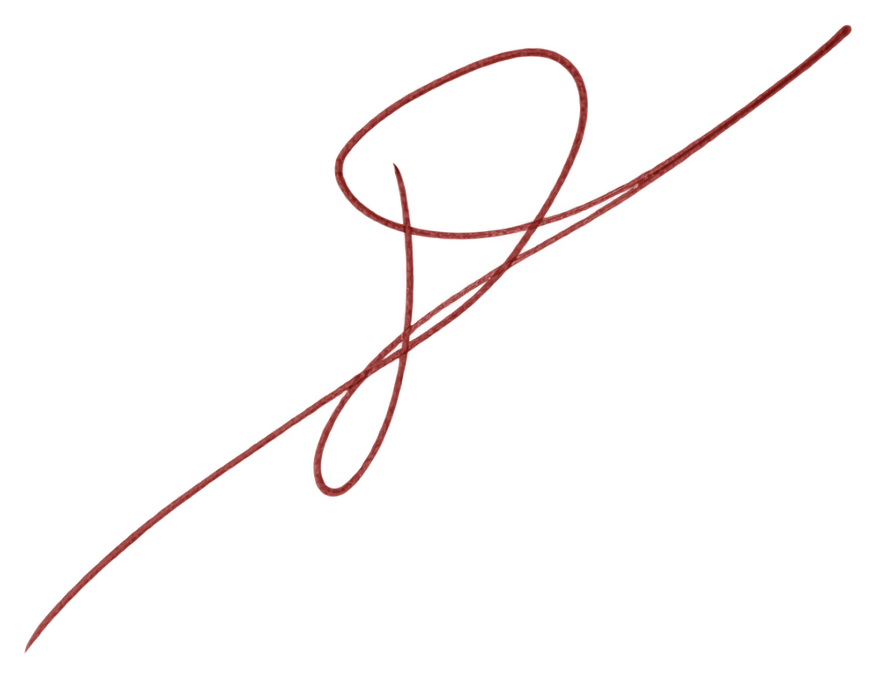
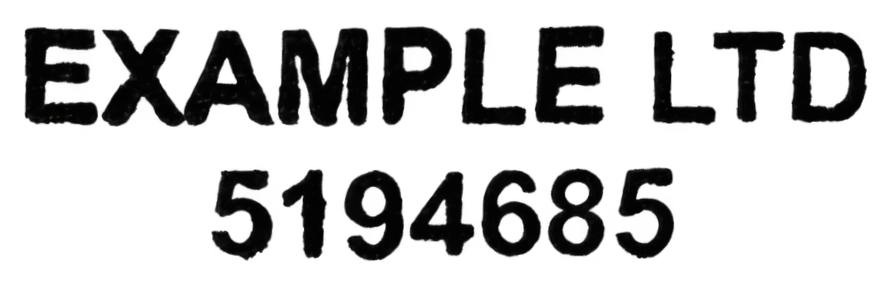
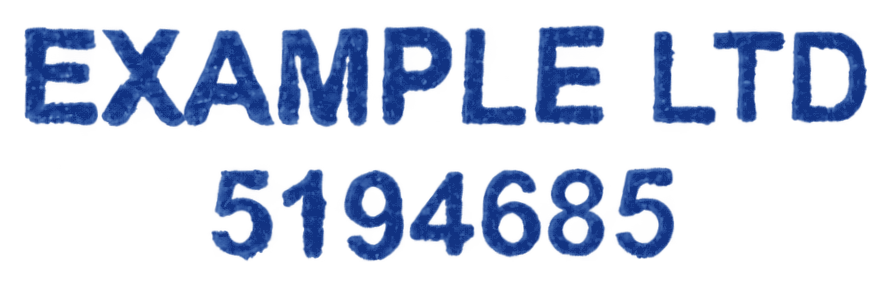
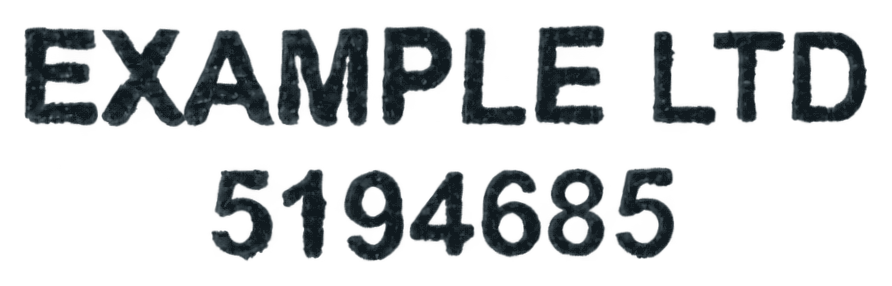
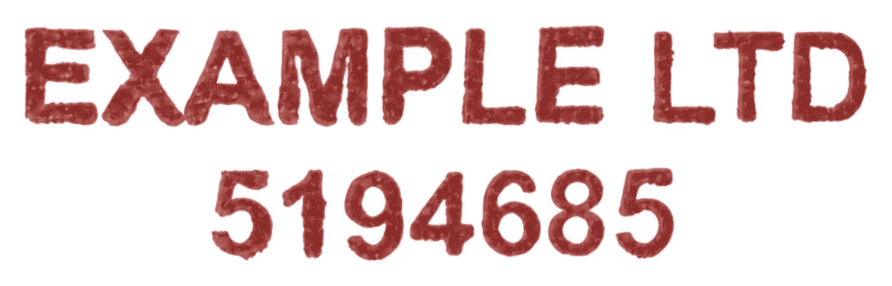
Actual outputs of the site’s ink-color control, using the same image across each row. Recoloring preserves pixel opacity and changes color only. The stamp remains separate from signature variations.
Separate your signature from its stamp. Turn a photo, scan, or PDF crop into individual signature and stamp images with transparent backgrounds. Compare both results with your original and download them separately.
Create variations of the same signature. Make subtle variations guided by your signature’s characteristic shapes, connections, and style. Compare the latest three in an overlay while your stamp stays separate. Choose an ink color or tilt for each result.
Create variations of the same stamp. Make another impression with natural ink pressure, density, and texture differences while preserving its letters, numbers, and design.
Ink provides professional tools for separating your signature from a stamp and creating subtle variations of the same signature. Upload a photo, scan, or PDF crop and prepare separate transparent PNG images, with individual ink color and tilt controls.
Yes. Each set is guided by your signature’s characteristic shapes, connections, and style, with small visual changes. Variations are estimates based on one sample. Your stamp remains a separate image.
Yes. Create sets of three stamp impressions with different ink pressure, density, and texture. Lettering and layout must stay unchanged. Each set costs US$5, with individual downloads, ink color and tilt controls, and an overlay of the latest three.
JPEG, PNG, WebP, HEIC/HEIF, and PDF files up to 20 MB. For a PDF, choose a page and mark the area containing your signature or stamp.
Unlock the signature and stamp from one upload for US$7.99. Each optional set of 3 signature or stamp variations costs US$5.00. There is no subscription.
The images shown before payment are censored estimates. Uncensored final results and transparent PNG downloads are prepared after payment, when final recovery is performed.
No. Blurred or overlapping ink can hide details. Recovered handwriting and stamp lettering may differ from the original, so compare the final images before use.
Your uploaded crops and saved results are private to your account and available to the operator for support and troubleshooting. Public examples are selected separately with the uploader’s permission. You can delete your saved images from Support.